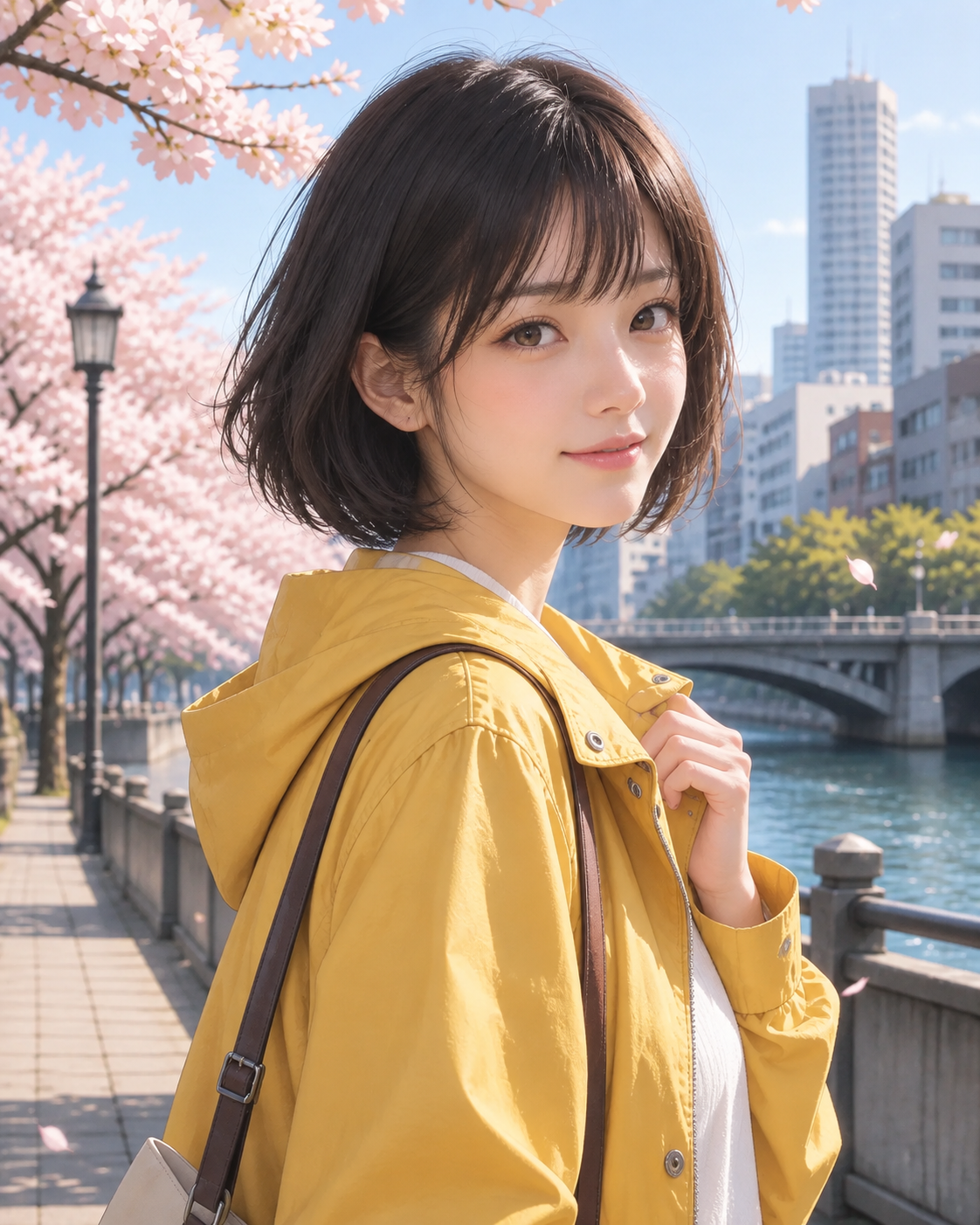
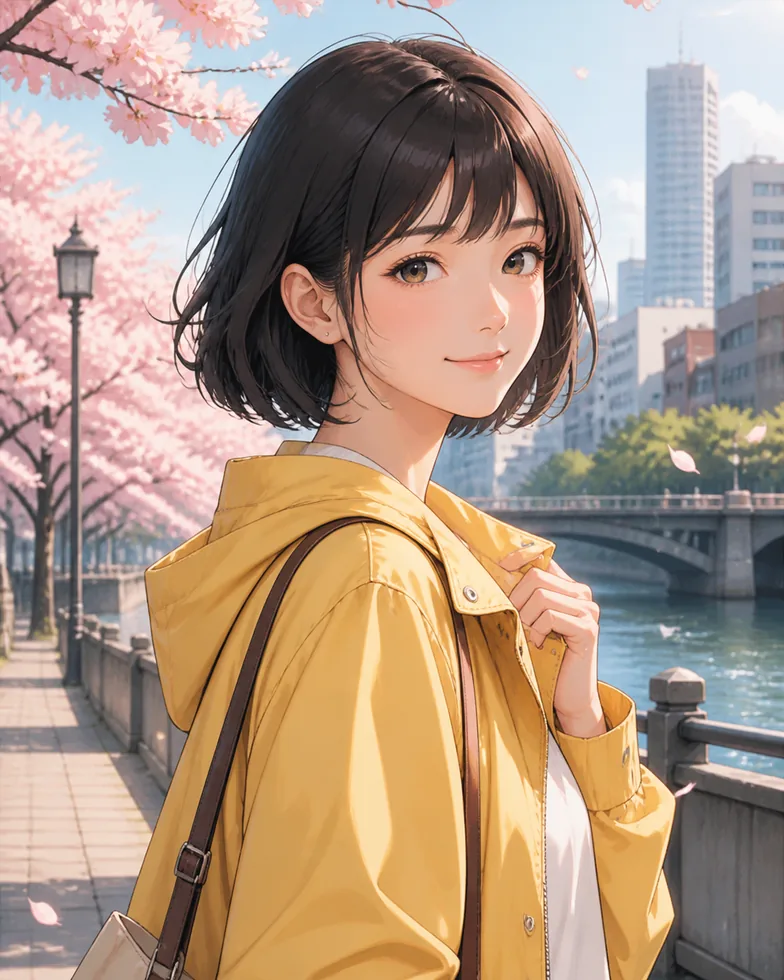
Turn a real portrait into a polished anime-inspired image
Photo to Anime is a focused photo style tool for people who want an illustrated version of a real portrait without losing the details that make the photo feel personal. Upload a selfie, a travel portrait, or a clear lifestyle shot, then choose Anime Portrait. Photo Style uses the image as the reference for the face, hair, pose, clothing, and overall framing, then interprets those elements with clean linework, soft color, and a refined anime-inspired finish. The goal is not to replace the person in your photo with a random character. It is to give the same moment a different visual language.
That makes Photo to Anime useful when a standard filter feels too generic. A good anime conversion should still read as your photo at a glance: the direction of the face, the silhouette of the hairstyle, the expression, and the small choices in the scene should remain recognizable. The Anime Portrait style is designed to keep that connection while simplifying textures into illustration-friendly shapes, adding gentle cel shading, and balancing color so the result is vivid without becoming harsh. It works especially well with one clearly visible subject and a background that supports the story instead of competing with it.
You do not need to write a long prompt or learn a complex editing workflow. The style already contains an art direction that asks the model to preserve the person and composition while applying the illustrated treatment. That gives you a repeatable starting point for profile concepts, social posts, a character-inspired gift, a mood board, or an alternate version of a favorite portrait. As with any image transformation, use photos you have the right to use and choose an image where the face, lighting, and main subject are easy to see.
Turn your photo into anime style
Your result will appear here.
10 free credits after sign-up
Images are generated by Google Gemini 3 Pro Image through the APINEED API. Model ID: gemini-3-pro-image.
- 01
Upload
- 02
Choose Anime Portrait
- 03
Download
How to turn a photo into anime style in three steps
1. Start with a clear portrait photo
Choose a JPG, PNG, or WebP where the person is in focus and their face is not blocked by hands, heavy shadows, or another subject. A close portrait or waist-up photo usually gives the transformation enough detail to keep the person recognizable. Natural light, a visible hairstyle, and a simple pose make the result easier to read.
2. Select Anime Portrait
Open the AI Photo Style Changer and select Anime Portrait before generating. The preset supplies the visual direction: clear outlines, expressive but natural eyes, soft cel shading, balanced pastel color, and a polished illustrated background. You can use the same uploaded image with another style later when you want to compare different creative directions.
3. Generate, review, and download
Sign in, generate the image, and review the result on the page. If the photo did not contain enough detail, try another source image rather than relying on a more complicated instruction. Your successful results are kept in your private history, so you can revisit, download, or delete them when you are ready.
What the Anime Portrait style changes — and who it suits
Anime Portrait is built around the visual cues that make a digital illustration feel intentional: controlled outlines, simplified but believable facial structure, clean color areas, and soft highlights that define hair and clothing. It does not aim for a single named studio or artist look. Instead, it creates a flexible contemporary anime-inspired finish that can work with everyday photographs. The preset treats the uploaded photo as the source of truth for identity and framing, then translates the image into a scene that feels drawn rather than merely blurred or posterized.
This is a strong fit for selfies, graduation portraits, street-style photos, travel pictures, and images where one person is the clear subject. It can also work for couples or friends when each face is separated and visible, although a single-subject photo is the most predictable place to start. If you want a playful profile image, a stylized birthday card, a concept for an avatar, or a shareable version of a travel memory, Photo to Anime gives you a fast way to explore the idea. Product photos and dense group scenes are usually better matched to a different Photo Style preset or the Free AI Photo Editor.
For the best result, think about the image before the style. Use a photo with an expression you like, because the conversion follows the mood of the original. Keep the subject large enough in the frame to show facial features, and avoid screenshots with compressed detail or filters already applied. A clean original leaves room for the anime treatment to add its own color, line, and shading decisions. The result should feel like an illustration of the same person, not an unrelated generated portrait.
Explore another photo transformation
For a different creative direction, turn a photo into an oil painting or try a Vintage Polaroid look.