AI PHOTO STYLE CHANGER

AI Photo Style Changer — Transform Your Photo in One Click

Upload a photo, choose a style, and create a new look while keeping your subject recognizable.

Get 10 free credits after sign-up.

Your result will appear here.

10 free credits after sign-up

Images are generated by Google Gemini 3 Pro Image through the APINEED API. Model ID: gemini-3-pro-image.

HOW IT WORKS

Create a photo style in four clear steps

From upload to download, every step keeps the same photo style direction in view so you can explore quickly and build a repeatable creative workflow.

  1. 01

    Upload a photo

    Choose a clear JPG, PNG, or WebP image; a readable subject gives the photo style more detail to preserve.

  2. 02

    Choose a style

    Pick one of nine curated directions so the mood is decided before generation begins.

  3. 03

    Generate

    Sign in and submit the task. The model applies the selected photo style to light, color, and texture.

  4. 04

    Download

    Review the result in your history, then download, compare, or remove versions as needed.

EXPLORE PHOTO STYLES

Find the right visual language for every photo

Each photo style is built from a different balance of light, color, texture, and mood. Read the use case first, then choose the direction closest to your idea.

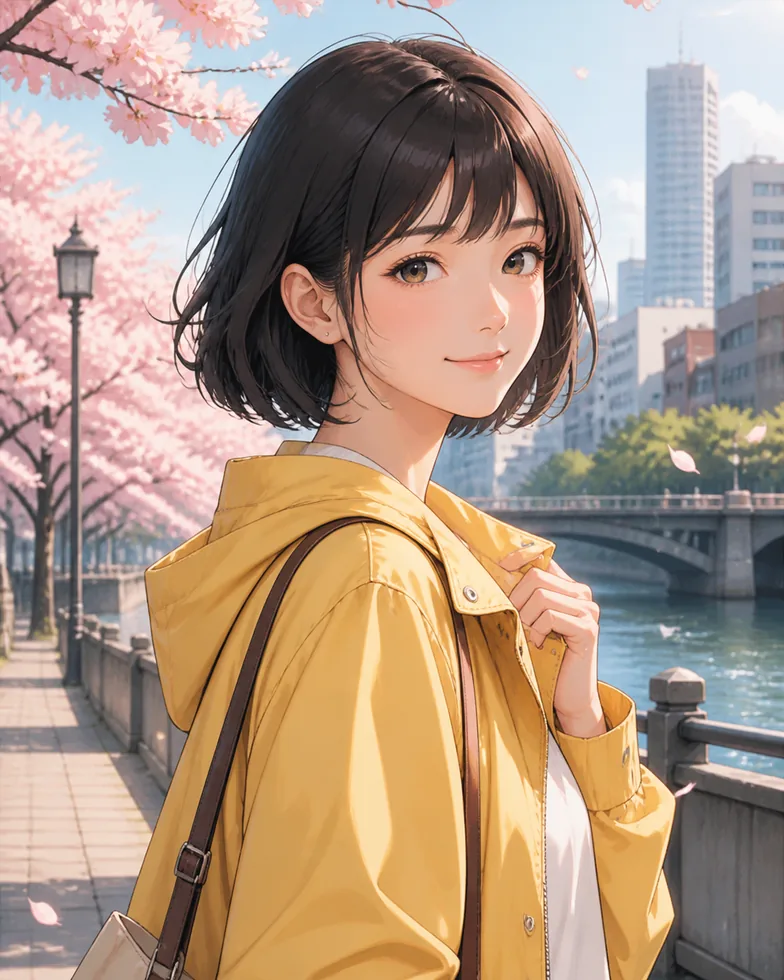
Anime Portrait

Anime Portrait translates a real face, hairstyle, pose, and outfit into clean illustrated lines, expressive eyes, and soft cel shading. It is a useful photo style for profile pictures, character concepts, birthday cards, and travel memories that deserve a playful interpretation. Start with a well-lit portrait where the subject is easy to recognize; the visual language stays connected to the source while adding a polished, contemporary illustration finish. turn your photo into anime style.

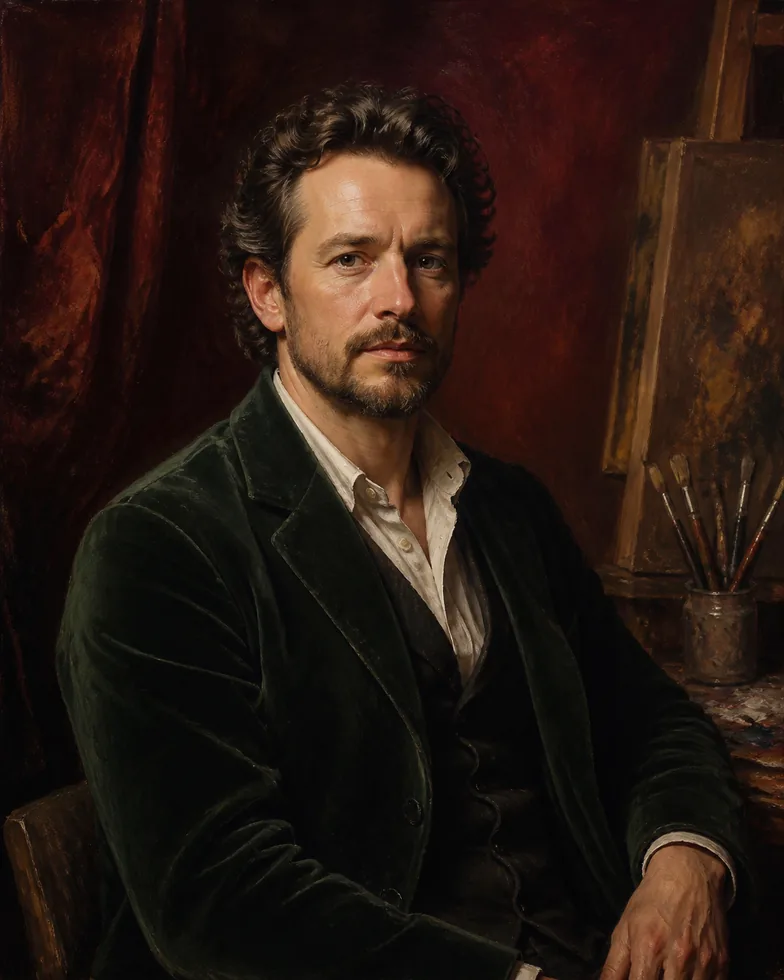
Oil Painting

Oil Painting builds depth with layered color, controlled brush texture, and directional light. This photo style suits family portraits, pet photos, still lifes, and editorial concepts where you want a more timeless, tactile mood. A clear focal point gives the painterly treatment room to work, turning familiar details into a gallery-inspired image without losing the person, object, or composition that made the original photo meaningful. turn your photo into an oil painting.

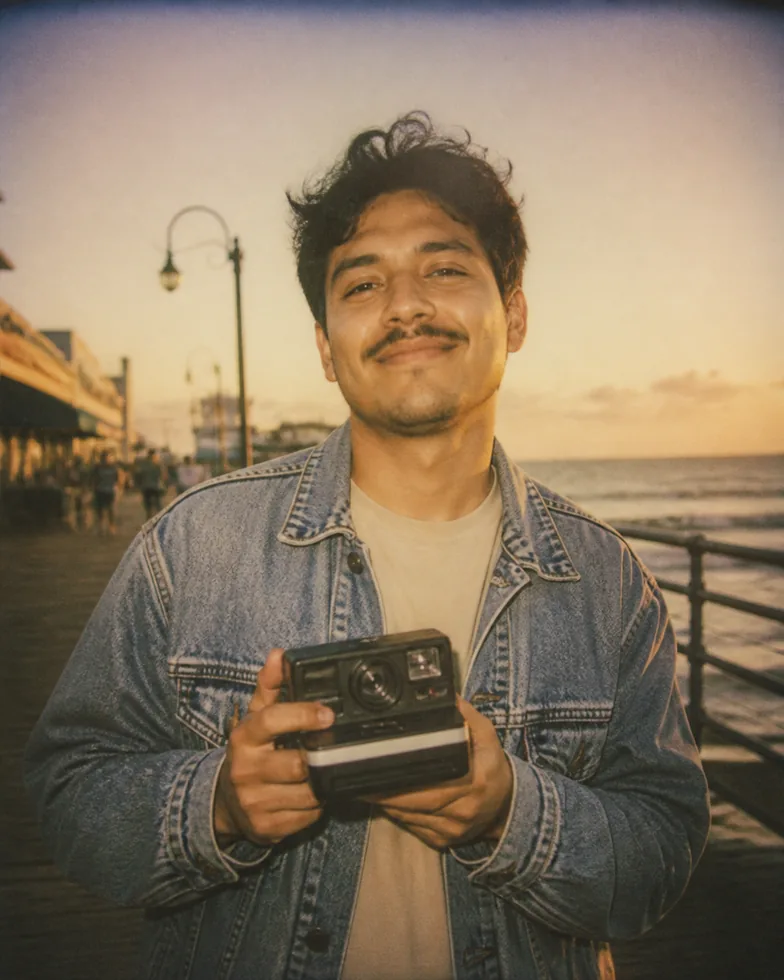
Vintage Polaroid

Vintage Polaroid adds warm color, gentle grain, softened contrast, and subtle light falloff for an instant-film memory. Choose this photo style for weekend snapshots, couple photos, golden-hour portraits, and scrapbook projects where atmosphere matters more than technical sharpness. It keeps the original moment recognizable while making a clean digital image feel more personal, relaxed, and ready to share or print. give your photo a vintage polaroid look.

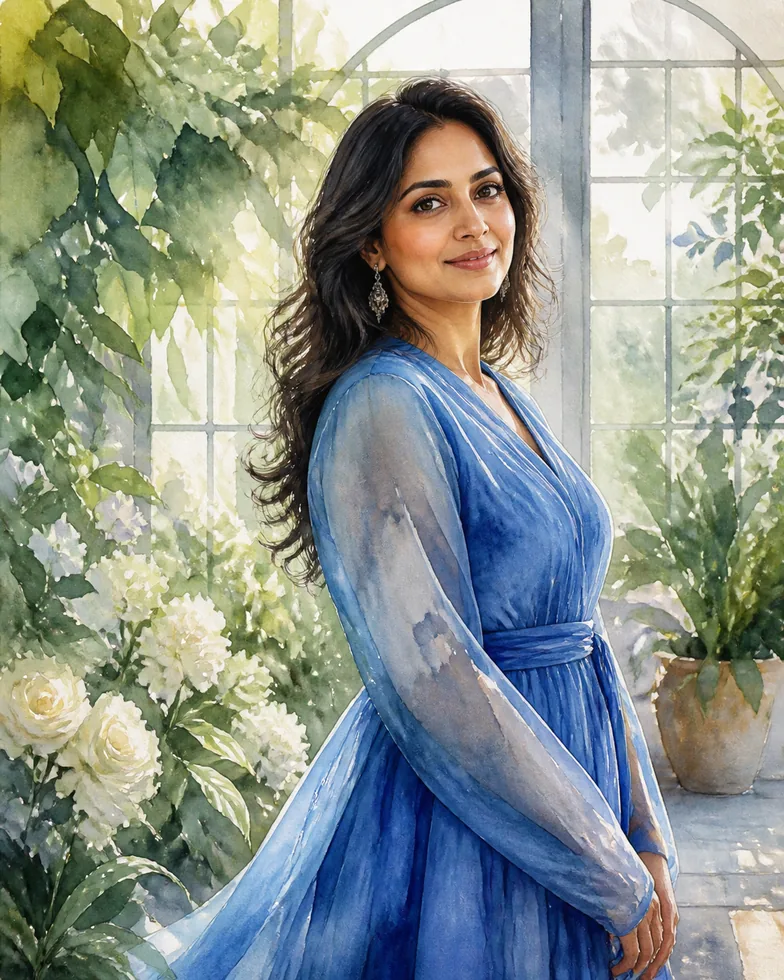
Watercolor

The Watercolor treatment turns hard edges into transparent washes, delicate pigment blooms, and paper-like color transitions. It works especially well for outdoor portraits, botanical scenes, architecture, and travel photos with open space. Use this photo style when you want a light, handmade feeling for stationery, mood boards, invitations, or a calm social post. Simpler backgrounds help the subject remain clear through the softer paint effect. watercolor photo filter.

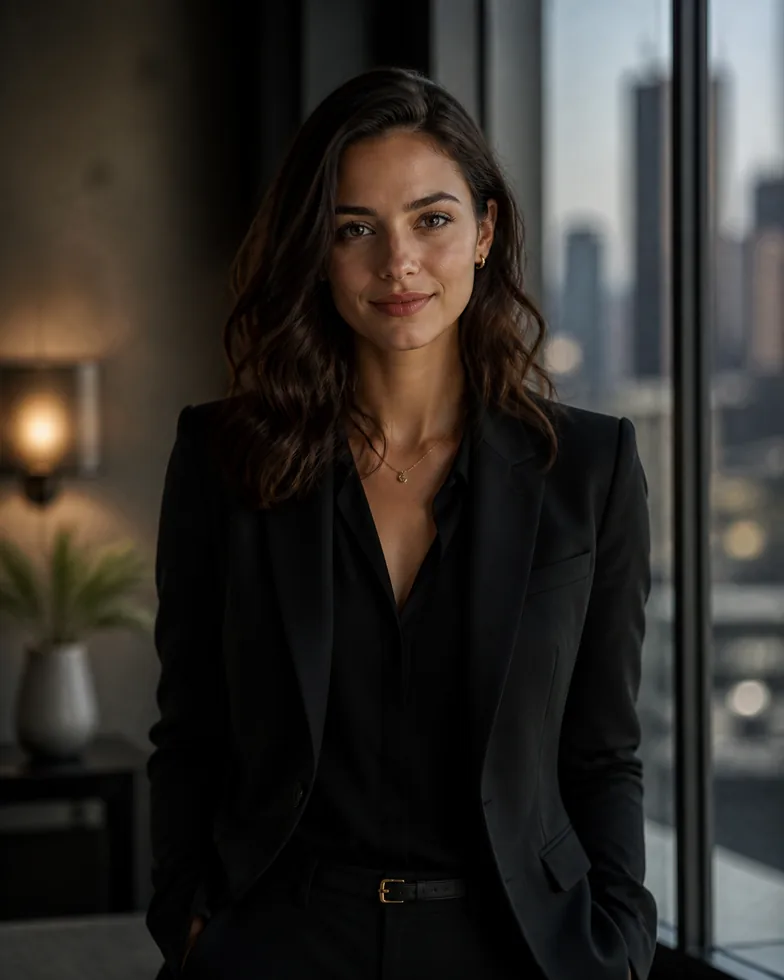
Cinematic Portrait

Cinematic Portrait shapes the frame with intentional contrast, directional highlights, and a richer sense of atmosphere. This photo style is a strong choice for creative headshots, music artwork, film references, and portraits that need a more dramatic visual story. Look for side light, a readable expression, or a strong environment; the preset develops those cues into a polished image while keeping the subject and framing grounded in your photograph. cinematic photo filter.

Analog Film

Analog Film brings restrained grain, balanced color shifts, and the organic imperfections of a scanned negative. It is suited to street photography, travel journals, everyday portraits, and product scenes that feel too clinical when left perfectly digital. This photo style adds continuity across a set of images, making it helpful for a visual diary or campaign board. Begin with an image that already has a clear subject and natural light. analog film photo look.

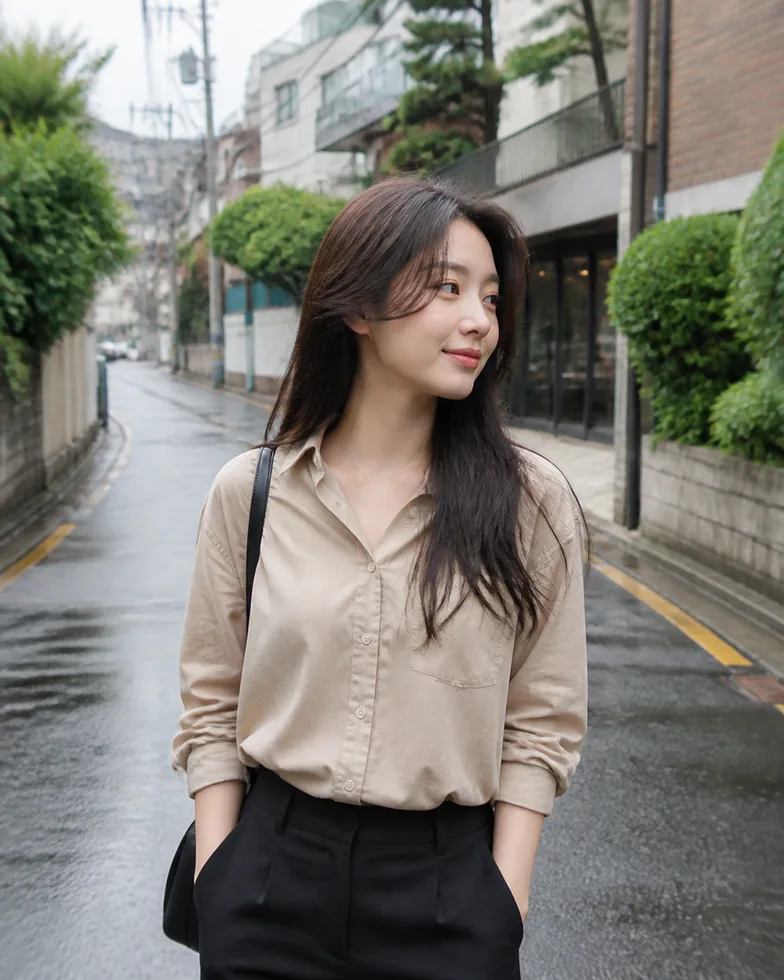
Korean Street

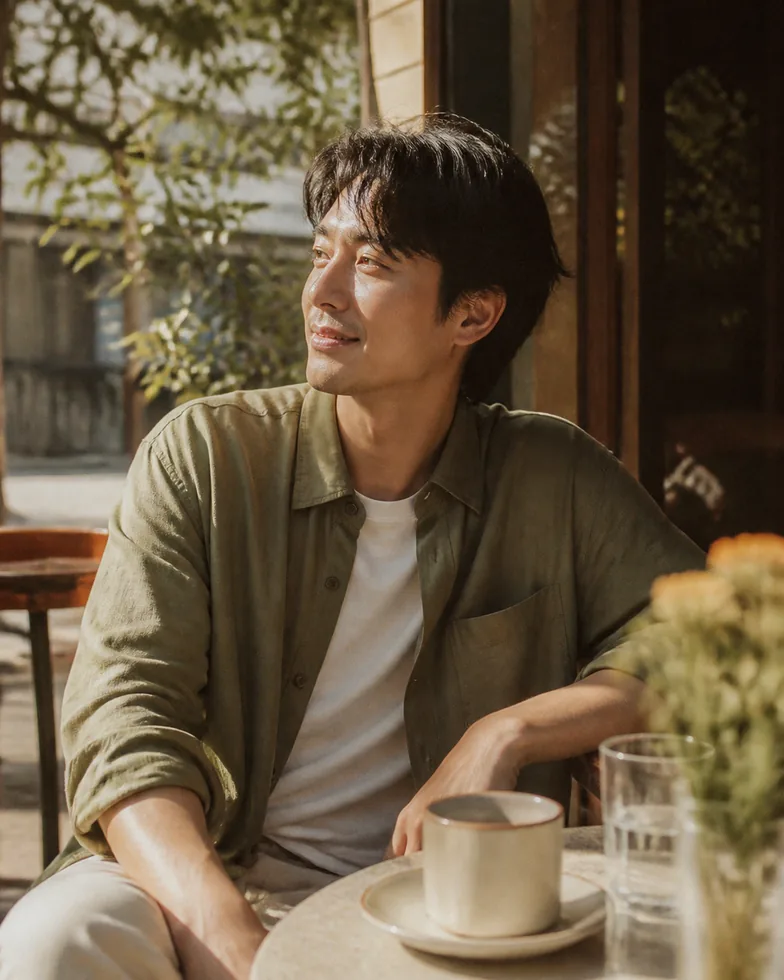
Korean Street combines crisp urban detail with soft daylight, considered color, and a quiet editorial mood. Try this photo style on cafés, storefronts, casual outfits, and portraits made during a city walk. It gives everyday scenes a cohesive visual direction without making them feel overproduced. A balanced composition, visible architecture, and a little negative space let the streetscape and the subject share attention naturally. korean street photo style.

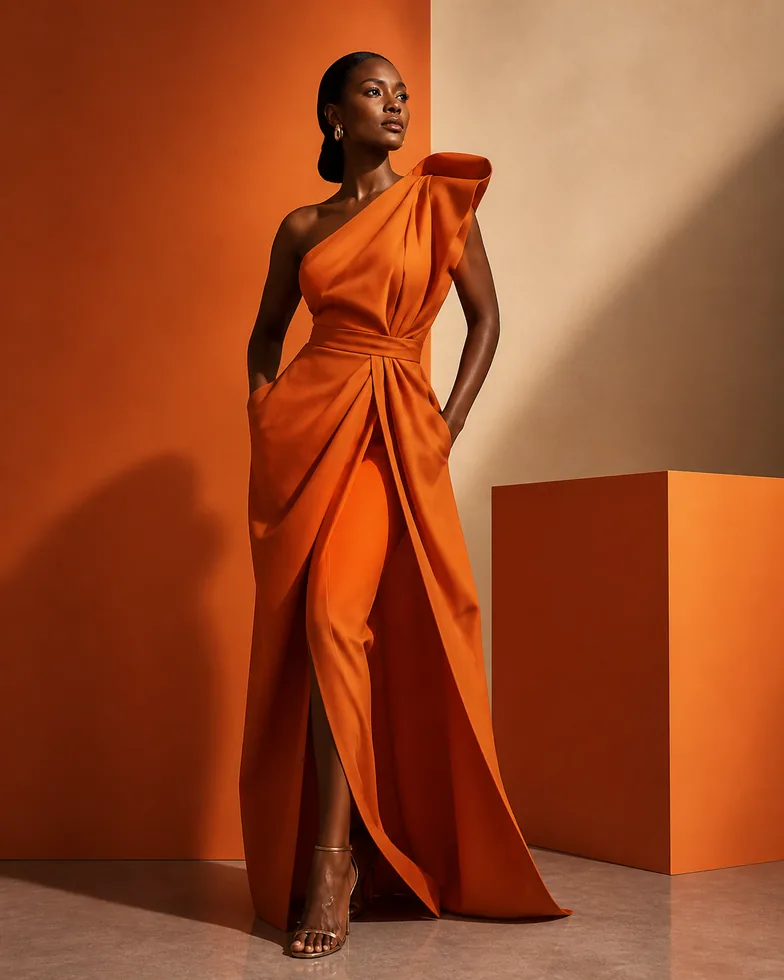
Editorial Fashion

Editorial Fashion emphasizes silhouette, styling, clean backgrounds, and confident light. This photo style helps turn a lookbook test, outfit portrait, or product concept into a sharper visual reference for a campaign. It is most effective when clothing shape and posture are easy to read. Use it to explore art direction before a shoot, compare wardrobe ideas, or give a personal portrait a composed magazine-like finish. editorial fashion photo style.

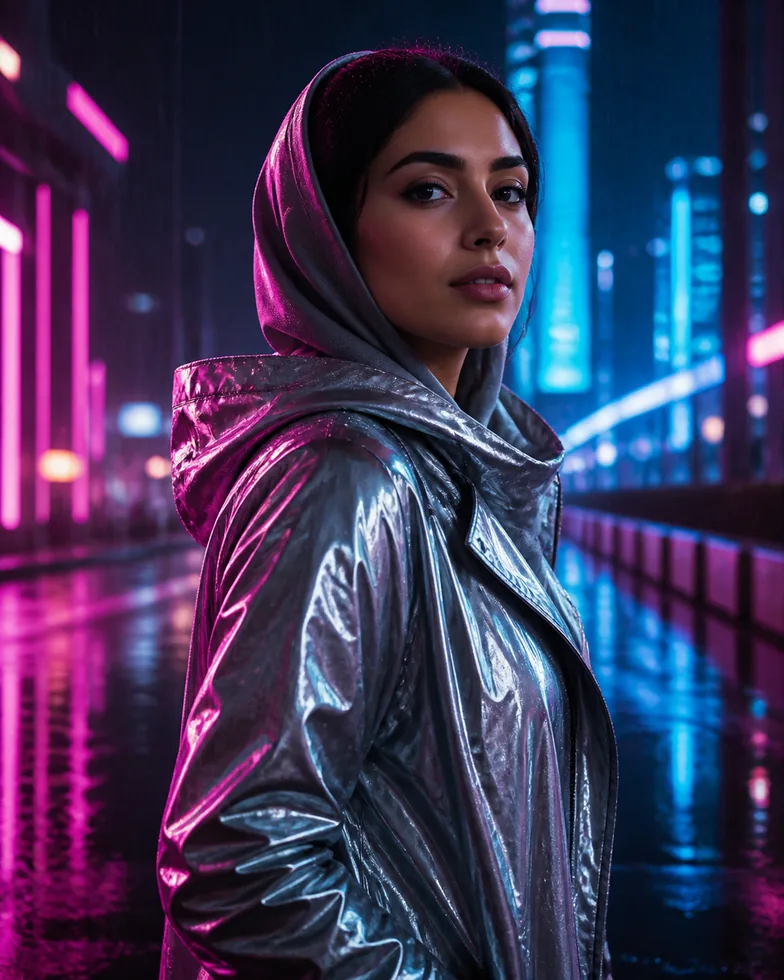
Cyberpunk

Cyberpunk introduces luminous accents, high-contrast color, and a futuristic night-time atmosphere. Choose this photo style for portraits under city lights, gaming concepts, music covers, and visual experiments that need an energetic edge. Strong silhouettes and a simple focal point help the neon treatment stay intentional. The result can feel boldly transformed while still preserving the recognizable pose, expression, and structure of the uploaded image. cyberpunk photo filter.
WHY PHOTO STYLE

Less tuning, more creative decisions

A human-curated library

Nine directions are organized around consistent visual standards, so you compare meaningful photo styles instead of an endless filter list.

No complex tuning

Every photo style includes a stable creative brief. You only need a clear source image and a direction worth trying.

Fast, useful iterations

Upload, selection, and generation live in one focused workspace, making it easy to explore and keep the versions that work.

CREATION STACK

Bring the right model into every creative decision

From visual direction to the final selection, Photo Style keeps model intelligence inside a focused photography workflow.

OpenAI

OpenAI

Portrait direction

Claude

Claude

Prompt refinement

Gemini

Gemini

Visual reference

DeepSeek

DeepSeek

Creative exploration

CREATIVE WORKFLOW

One workspace for images, motion, and review

Build a consistent visual language from style direction, through motion, to the final creative review.

Creative direction with portrait prints and colour filters

IMAGES

Start with a single visual direction

Turn references, colour, and styling intent into an image you can keep developing.

Fashion portrait with cinematic motion blur

MOTION

Give the frame a sense of rhythm

Use controlled movement and light to extend the mood of a still image.

Creative review of fashion contact prints on a light table

REVIEW

Review in the same visual context

Keep the creative rationale close so the final selection is faster and clearer.

PHOTO STYLE REVIEWS

Why creators enjoy Photo Style

From quick uploads to clear style choices, Photo Style helps creators make the photo look they want with less friction.

J

Jane Doe

Portrait creator

Uploading a photo and choosing a style is direct and simple. Photo Style keeps my subject recognizable while helping me explore new portrait directions.

A

Alex Chen

Content creator

Cinematic, vintage, and street looks are easy to compare. Photo Style helps me find the right visual direction without bouncing between tools.

S

Sam Wilson

Brand visual designer

The nine photo styles feel clearly distinct. I can build a direction faster for a client and make the final selection together.

J

John Smith

Independent creator

I like that I do not need to write a complicated prompt. A curated photo style gives me a useful image direction in a few clicks.

M

Maria Garcia

Social media creator

The upload-to-result flow feels smooth. Comparing several photo styles gives me more usable material when planning a new post.

J

Jordan Lee

Independent creative

The monthly Pro credits make ongoing experimentation practical. I can quickly create fresh directions for portraits, moodboards, and product images.

PHOTO STYLE PRICING

Create more photo styles with Photo Style Pro

Start with 10 free credits after sign-up. Photo Style Pro adds 100 monthly credits for more AI photo style creation.

View full Photo Style pricing

Free

Free

For trying Photo Style

Get Started For Free

  • 10 free credits
  • Credits never expire
  • 9 curated photo styles
  • Exports include a photo-style.app watermark
    Popular

    Pro

    $10/month

    For ongoing creative work

    Choose plan

    • 100 credits added every month
    • Credits never expire
    • All 9 curated photo styles
    • Watermark-free exports

      FAQ

      What to know before you create

      PHOTO STYLE PRO

      Ready to create more photo styles?

      Upgrade to Pro for 100 monthly credits and room to keep creating with AI photo styles.

      Upgrade to Photo Style Pro